windows terminal美化
📅2026-04-15T13:08:19.000Z
相关软件安装
用 windows 终端查看 winget 版本(用 powershell)
需大于 1.28
powershell
winget -v更新 winget
powershell
winget upgrade Microsoft.AppInstaller更换国内源
需使用管理员权限
powershell
winget source remove
winget winget source add winget https://mirrors.ustc.edu.cn/winget-source --trust-level trusted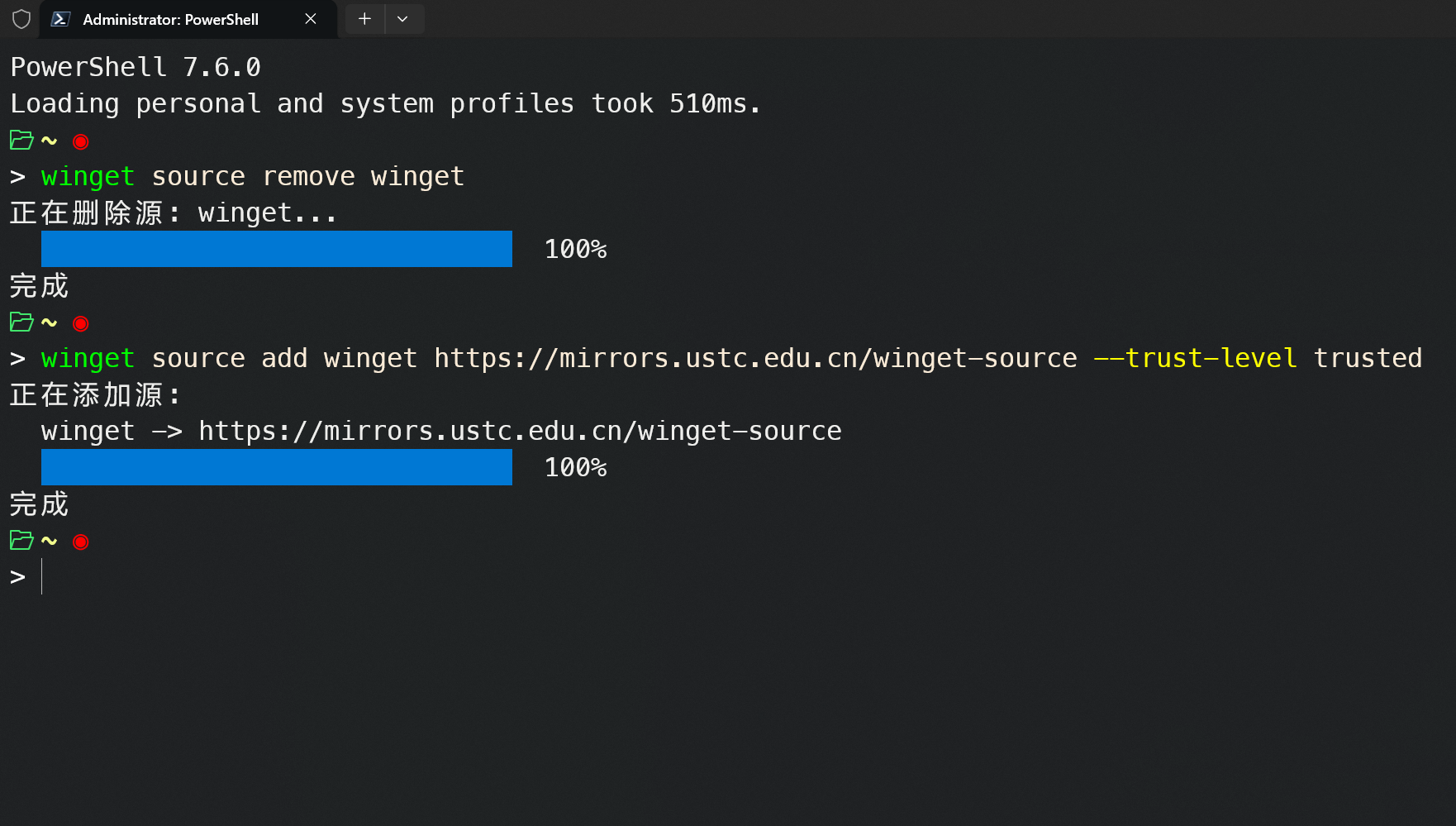
安装 powershell 最新版
powershell
winget install --id Microsoft.PowerShell更新终端
powershell
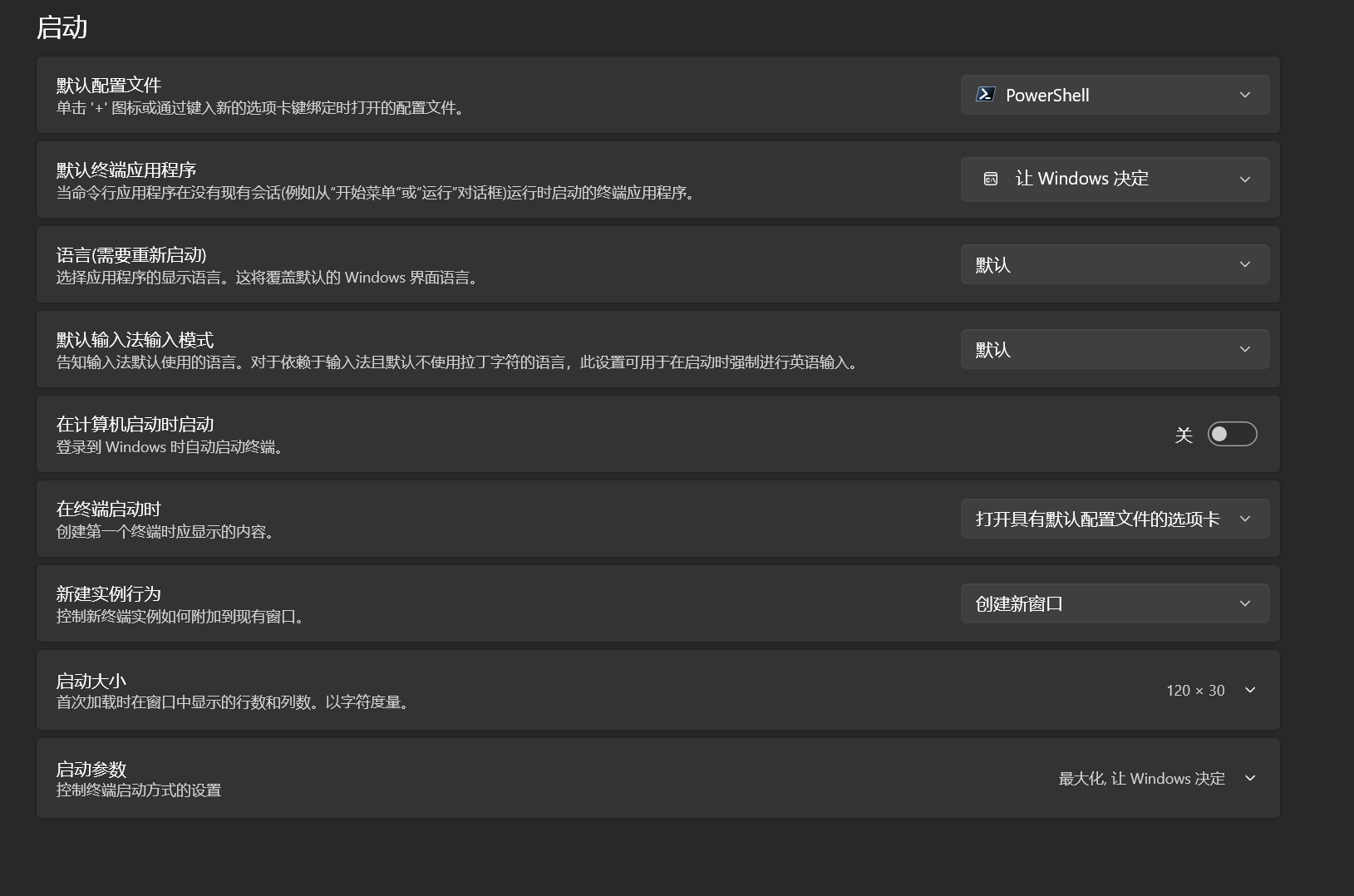
winget upgrade Microsoft.WindowsTerminal更新后重启终端并设置新的 powershell 为默认
Oh My Posh
安装 Oh My Posh
powershell
winget install JanDeDobbeleer.OhMyPosh --source winget配置 Oh My Posh(确保在 windows terminal 中使用最新版本的 powershell)
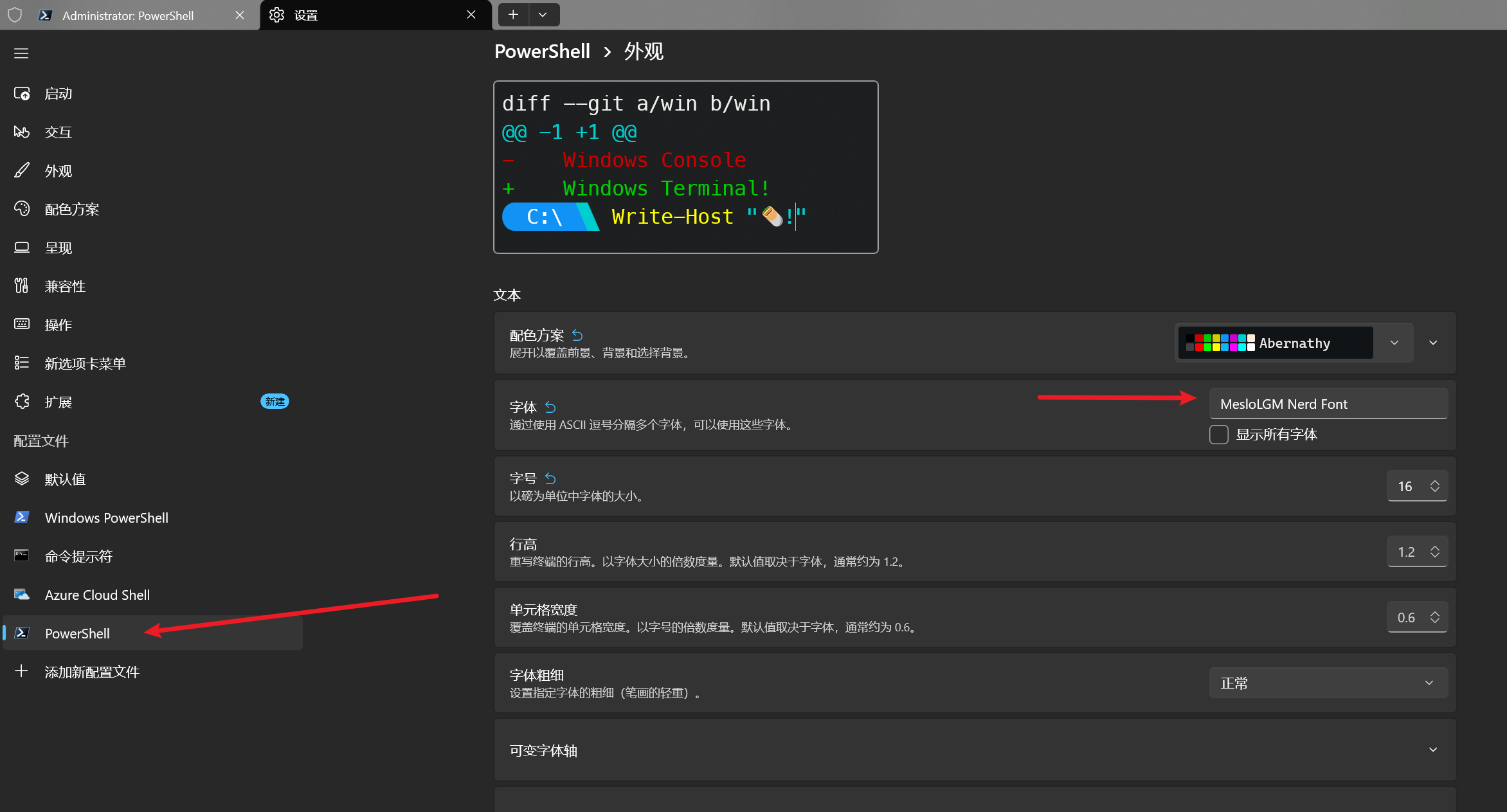
安装推荐字体(非常建议)
oh-my-posh font install meslo
设置字体
安装 CompletionPredictor 插件(补全第三方工具比如 git、docker)
powershell
Install-Module -Name CompletionPredictor -Scope CurrentUser -Force创建配置文件
powershell
if (!(Test-Path $PROFILE)) { New-Item -ItemType File -Path $PROFILE -Force }用记事本打开配置文件
powershell
notepad $PROFILE输入内容
txt
# 开启历史+插件补全,列表式展示
Set-PSReadLineOption -PredictionSource HistoryAndPlugin -PredictionViewStyle ListView
# 编辑模式(Windows 风格,适配习惯)
Set-PSReadLineOption -EditMode Windows
# Tab 键弹出补全菜单
Set-PSReadLineKeyHandler -Key Tab -Function MenuComplete
# 上下箭头搜索历史
Set-PSReadLineKeyHandler -Key UpArrow -Function HistorySearchBackward
Set-PSReadLineKeyHandler -Key DownArrow -Function HistorySearchForward
# 语法高亮(可选,增强体验)
Set-PSReadLineOption -Colors @{
    Command = '#00FF00'
    Parameter = '#FFFF00'
    String = '#FF00FF'
    Number = '#00FFFF'
}
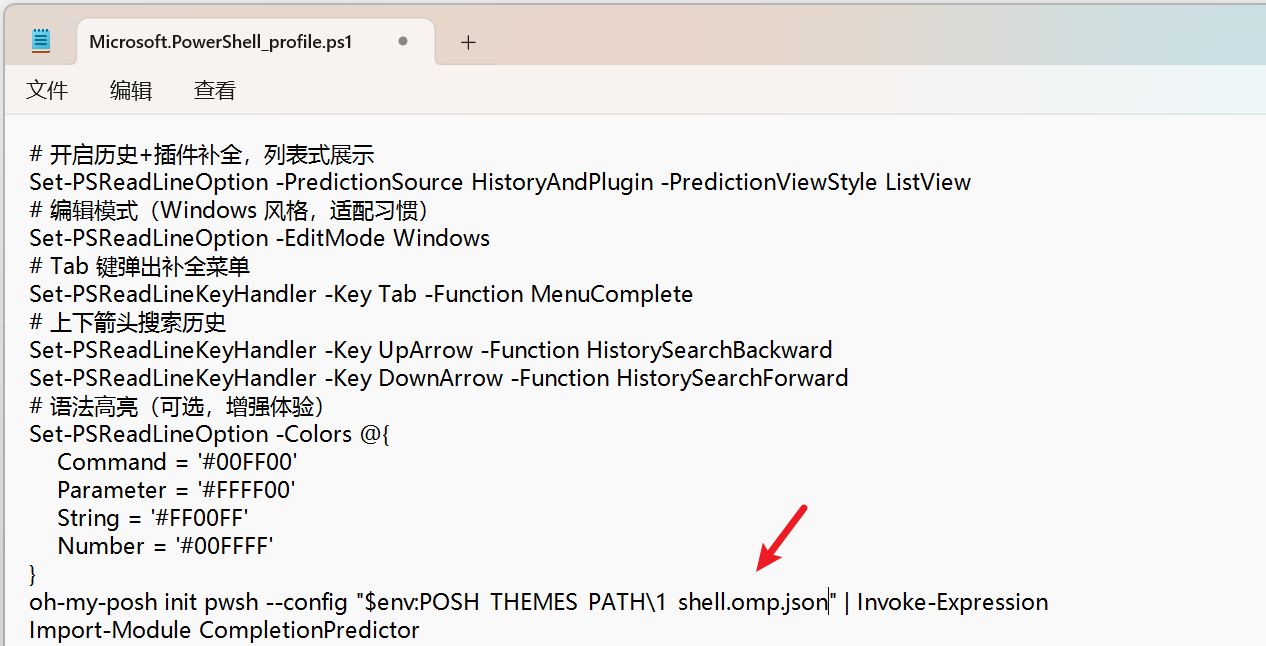
oh-my-posh init pwsh --config "$env:POSH_THEMES_PATH\jandedobbeleer.omp.json" | Invoke-Expression
#主题更换:jandedobbeleer.omp.json这个就是主题文件,自行修改即可
Import-Module CompletionPredictor
修改主题
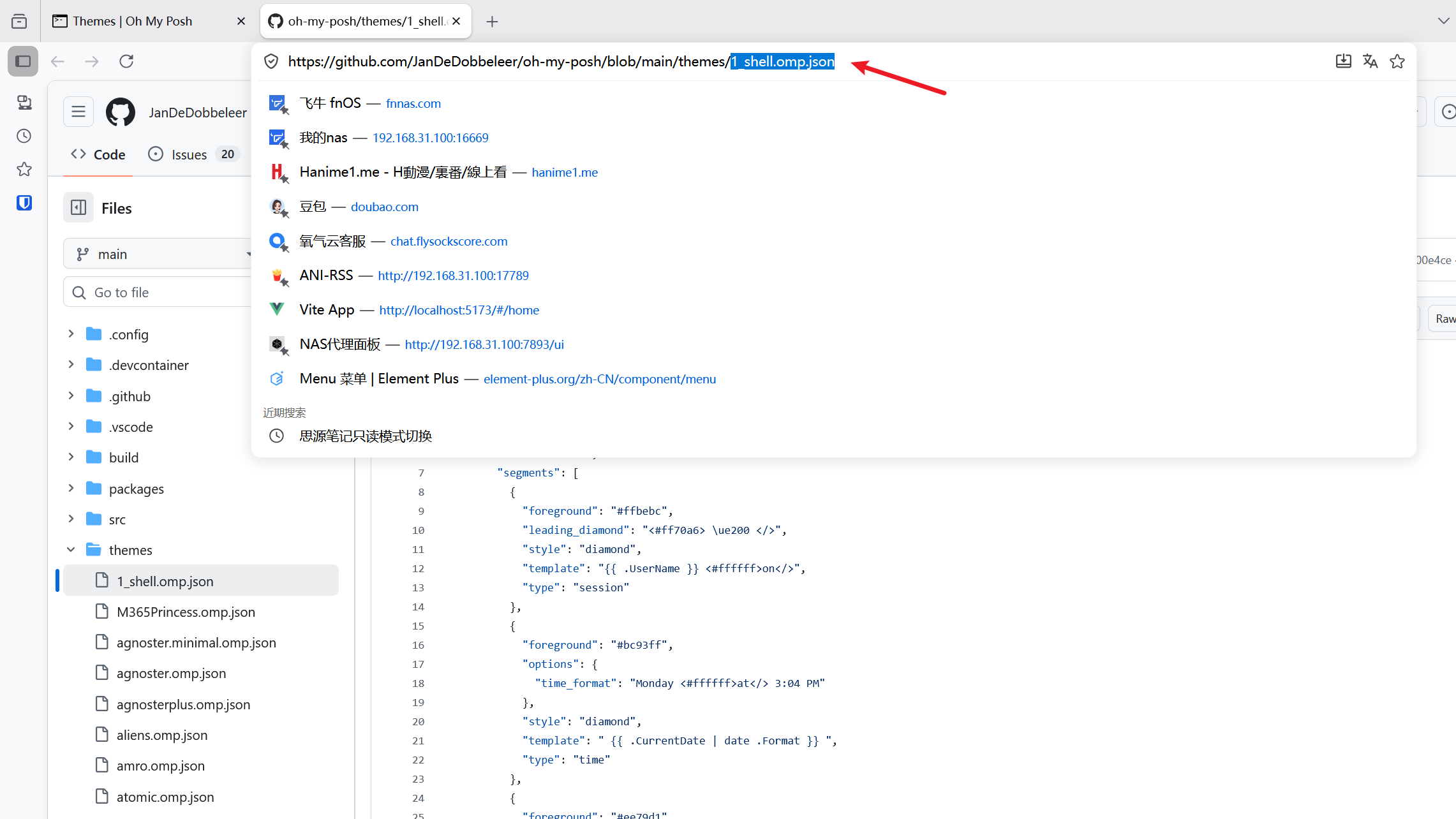
主题文件参考 On My Posh 主题介绍
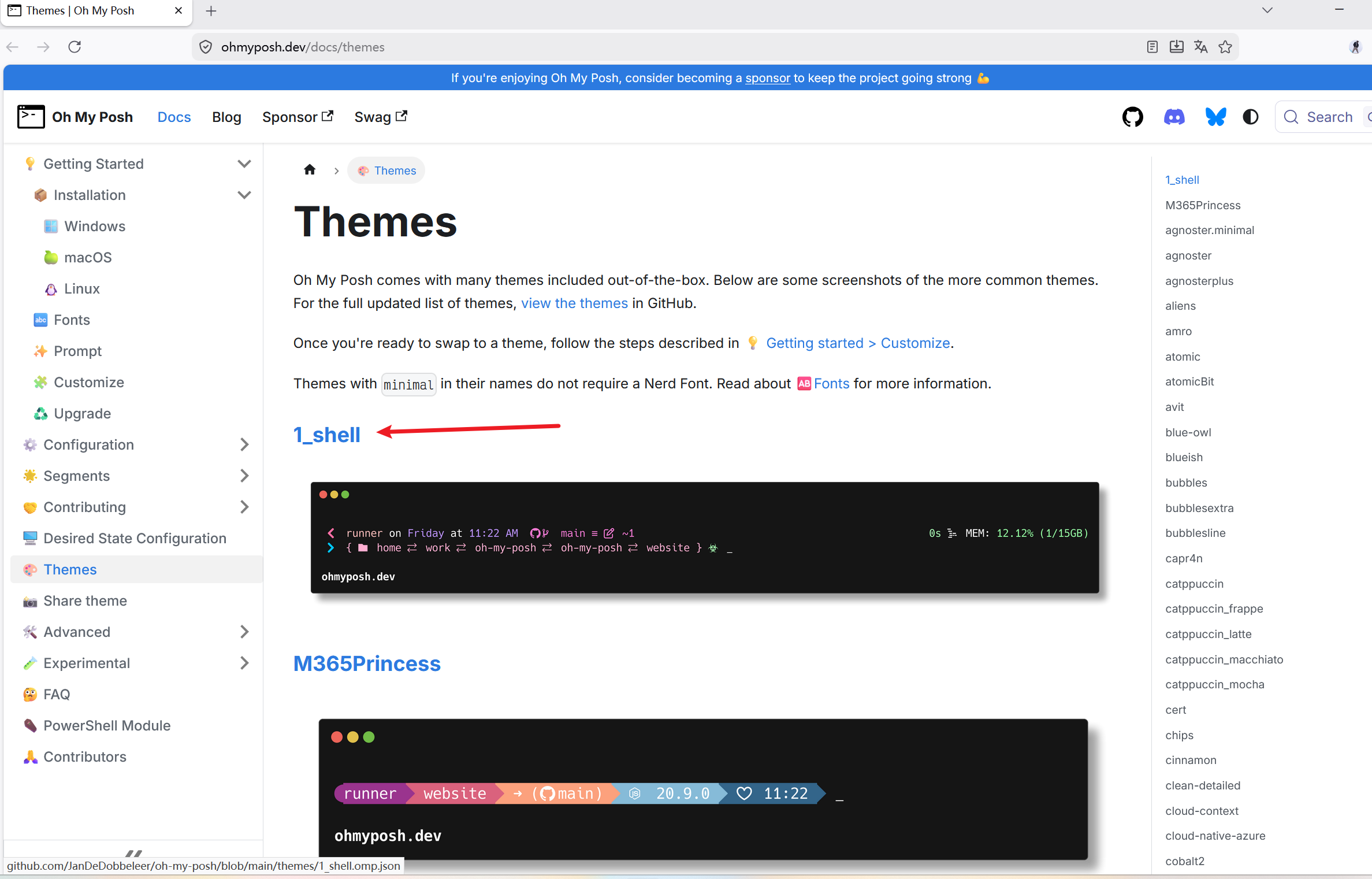
复制这个选择的文字,替换掉上面配置文件的主题文件即可
重启终端